
How does Enginero™ facilitate Model Coordination?
Enginero™ model coordination streamlines the coordination process by enabling users to view the federated model and detect clashes seamlessly using both Navisworks and the Enginero™ Clash Engine. It offers auto-group clashes, create issues from viewpoints, clash & search set and coordinate sets which improve the efficiency and accuracy of model coordination, ultimately contributing to the successful completion of the design process.
IntelliClash™ with Tolerance
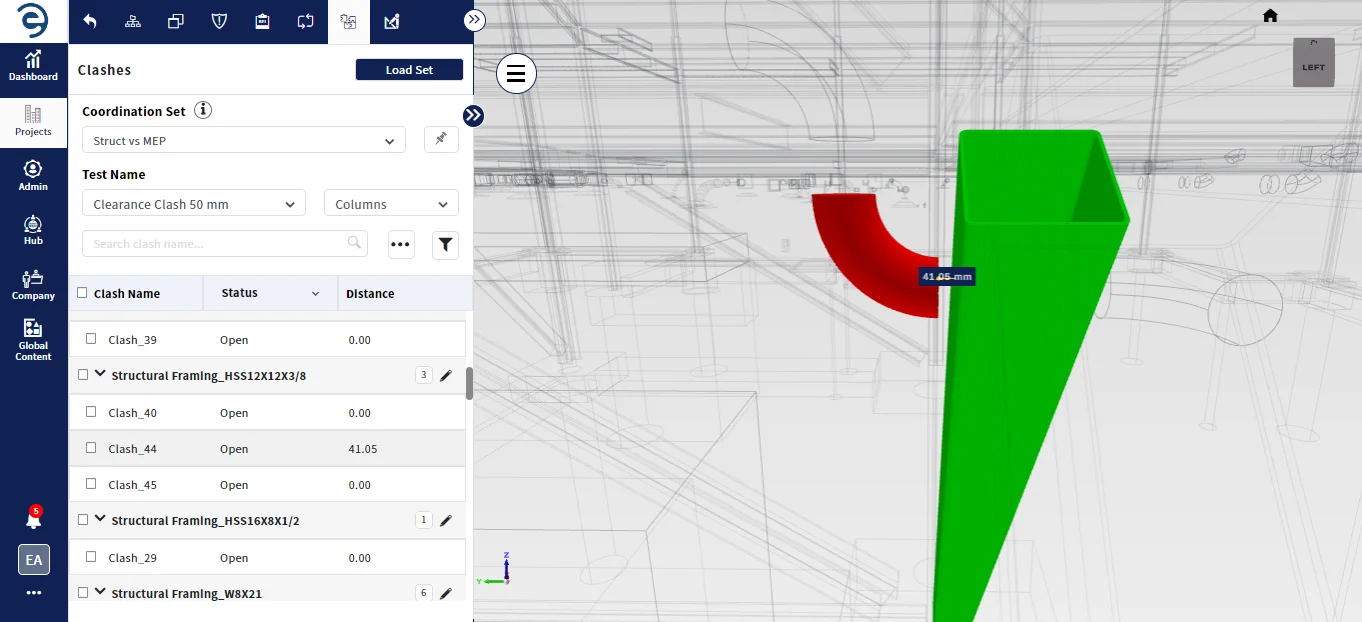
Enginero™ IntelliClash™ is one of the fastest and accurate clash engine in the industry. It allows users to visualize exact intersecting points between the elements in the federated model quickly, making it easy to detect and resolve clashes with greater accuracy and precision.
-
 In-Built Clash Engine for accurate server-based clash detection for both Hard and Clearance
clashes with or without tolerance
In-Built Clash Engine for accurate server-based clash detection for both Hard and Clearance
clashes with or without tolerance
-
Create and manage coordination sets for efficient clash management
Smart Clash Auto Grouping
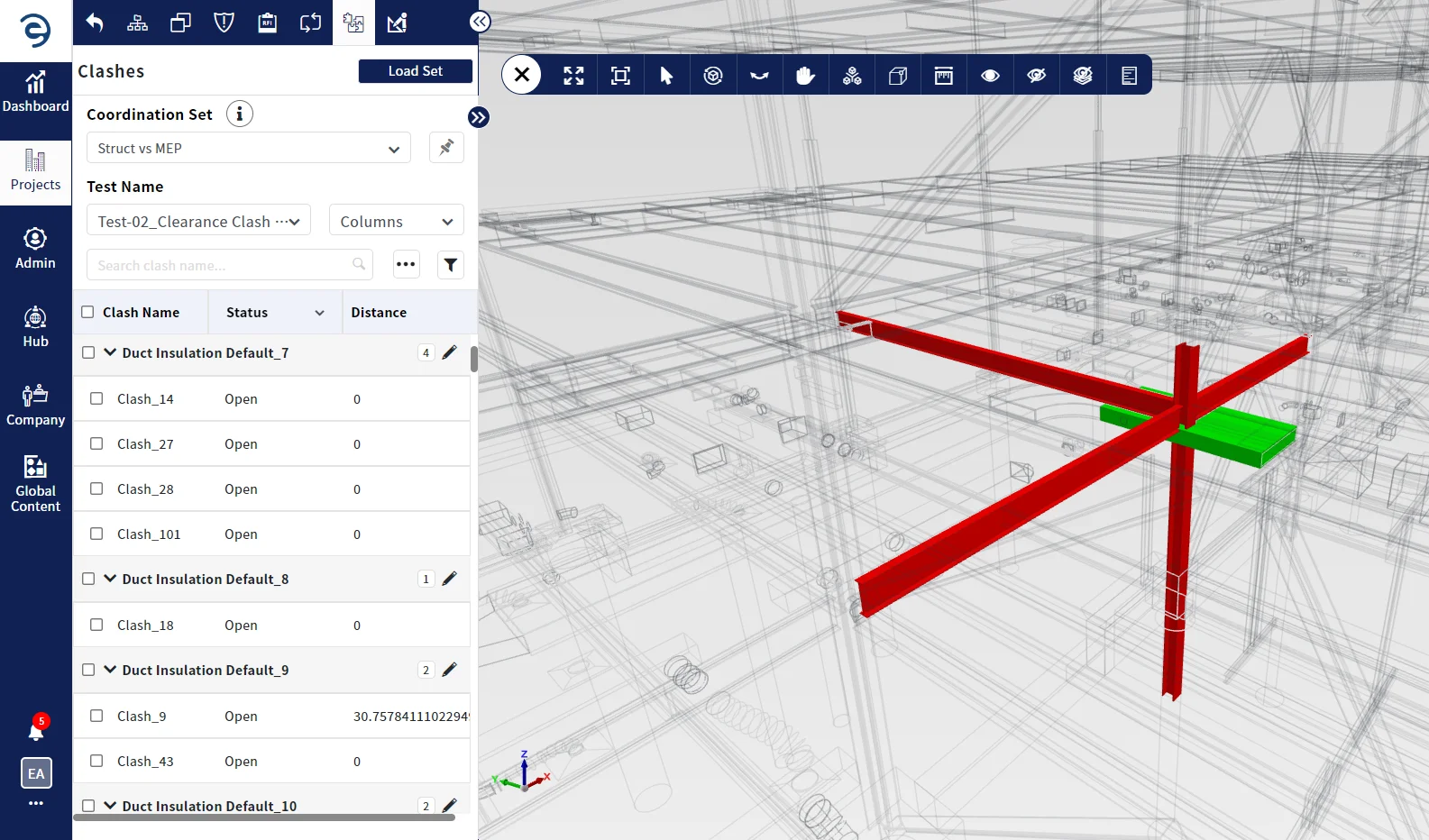
Clash auto grouping reduces the number of clashes by intelligently organizing them based on discipline, levels, elements, users, etc., This enables the users to resolve multiple clashes with one effective solution.
-
 Ease spot of conflicts zone
-
Grouped clashes to be further elevated as a single coordination issue
Direct Integration with Navisworks
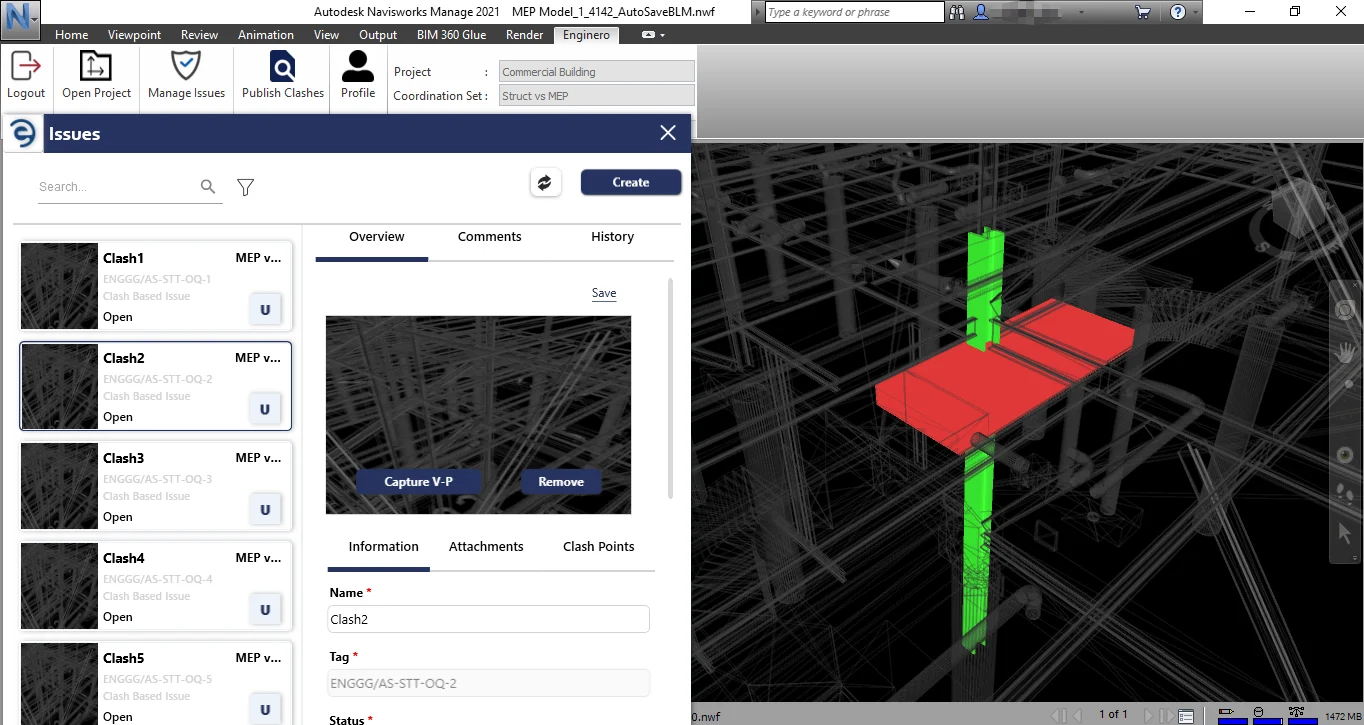
Enginero™ provides bi-directional integration with Navisworks, allowing users to run clash in Navisworks based on the data from Enginero™. With Enginero™ data, users can create coordination, perform clash tests in Navisworks, generate issues from clashes, create issues from viewpoints and update live status and information.
-
Create and manage coordination sets
-
Create Issues from Clash, Viewpoint and Search set
Spot Pin
Easy spotting of conflicts zone in the project. It flags conflicts and discrepancies, making it easy to spot them, access the required details and keep the project moving forward.
-
Zones with numerous conflicts can be revealed
-
Easy identification of conflicts and discrepancies
-
Efficient access to details for quick resolution

Schedule Clash Reports
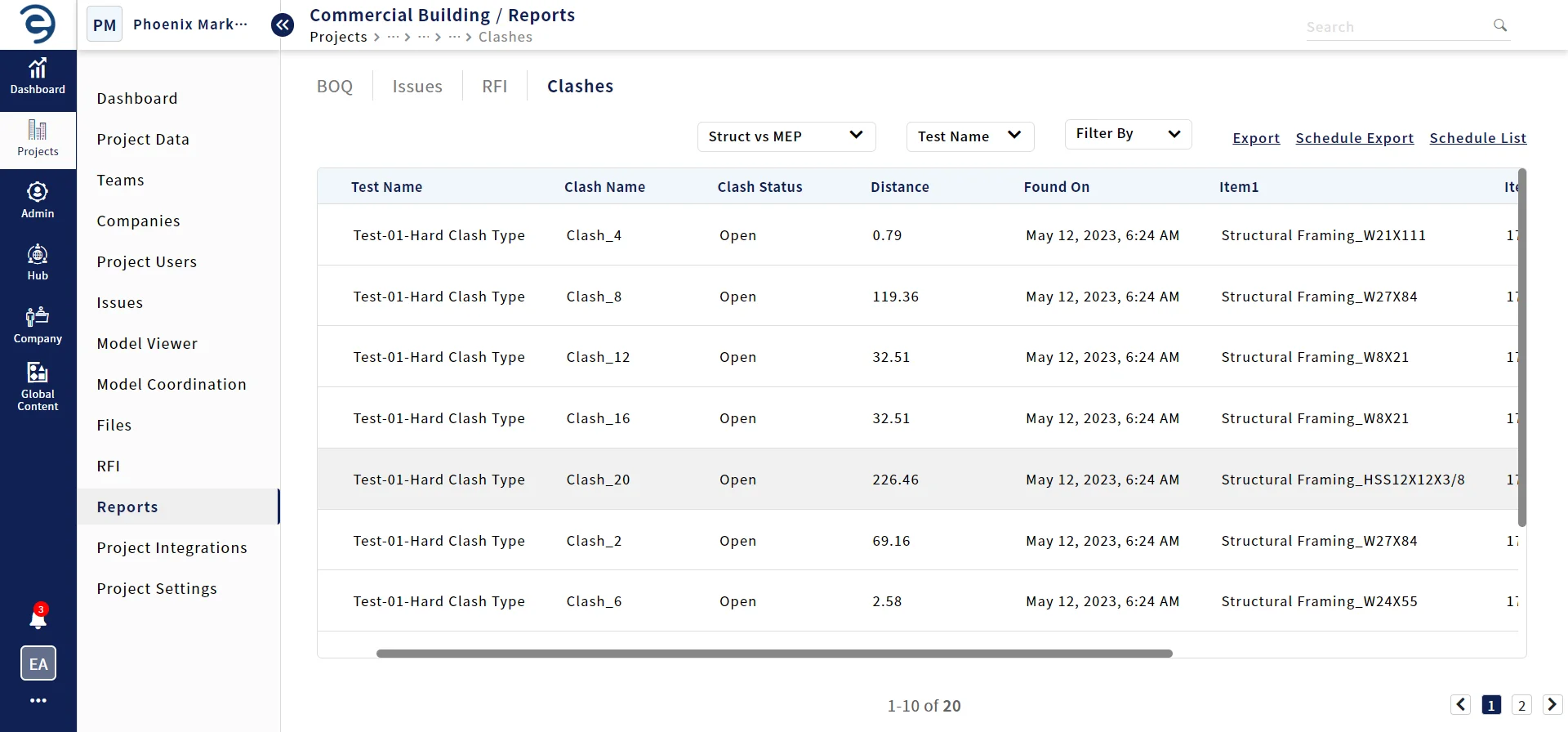
Generate clash reports automatically based on the schedule to manage and resolve clashes timely and more effectively.
-
Generate periodic reports as CSV, PDF & HTML formats, schedule them for coordination meetings
-
Saves time, minimizes issues and improves project outcomes
Ready to take the next step?
Our team is committed to providing top-notch support, ensuring that your product experience is nothing short of wonderful. Schedule a quick call with one of our product specialists today and see for yourself what makes our product stand out from the rest.

Frequently Asked Questions:
-

951 W. Yamato Road
Suite 290
Boca Raton, FL 33431
-
 inquiry@enginero.com
-
 +1 (614) 468-8976